
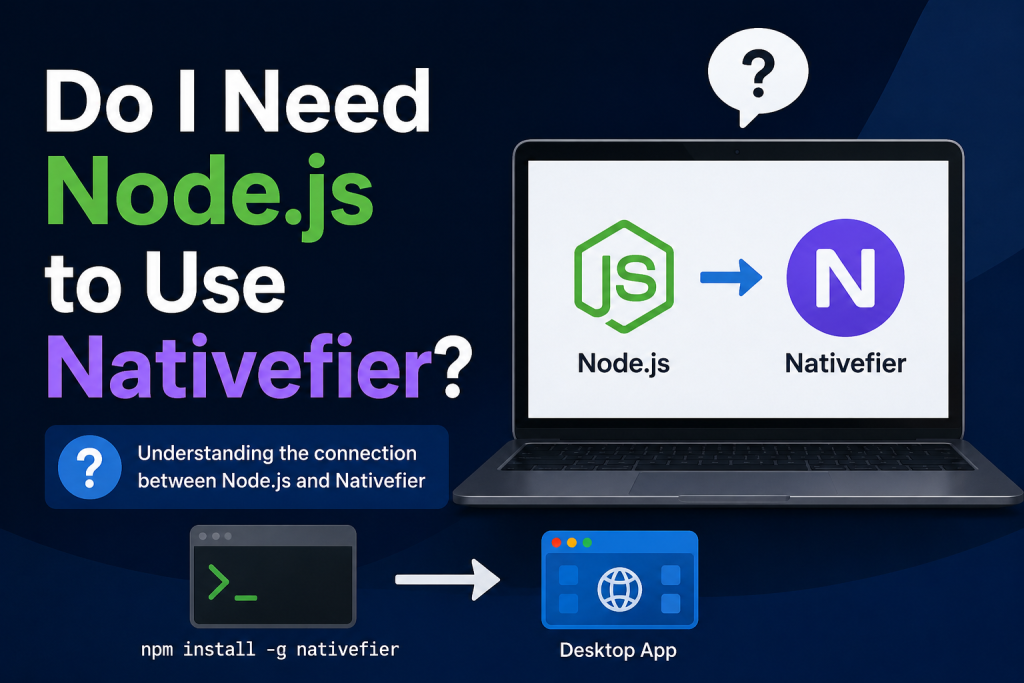
If you are looking for a simple way to turn your favorite websites into desktop applications, you may have come across Nativefier. It is a popular tool that allows users to create desktop apps from any web page using Electron. However, many beginners often ask the same question: Do I need Node.js to use Nativefier?
The short answer is yes. Node.js is required if you want to install and use Nativefier through its standard method. Since Nativefier is built as a Node.js package, it relies on the Node.js runtime and the npm package manager to function properly. Understanding this relationship can help you get started with Nativefier more easily and avoid common installation issues.
Read More: Does Nativefier Require Coding Knowledge?
Understanding What Nativefier Is
Nativefier is an open-source command-line tool designed to convert websites into desktop applications. Instead of opening a website in a browser every time, you can package it as a standalone application that runs on Windows, macOS, or Linux.
For example, you can create desktop apps for:
- Gmail
- WhatsApp Web
- YouTube
- Trello
- Slack
- Any other website you frequently use
The tool uses Electron under the hood, which means the resulting application behaves like a native desktop app while still displaying web content.
Why Node.js Is Required
Nativefier is distributed through npm, which stands for Node Package Manager. npm is included automatically when you install Node.js. Since Nativefier is an npm package, you need Node.js to download, install, and run it.
When you install Nativefier, you typically use a command like:
npm install -g nativefierThis command relies on npm, and npm relies on Node.js. Without Node.js installed on your system, the installation process will not work.
In simple terms:
- Nativefier is a Node.js application.
- npm is used to install Nativefier.
- Node.js provides the environment required to run it.
Therefore, installing Node.js is usually the first step before using Nativefier.
How to Install Node.js for Nativefier
Installing Node.js is straightforward. Visit the official Node.js website and download the version that matches your operating system.
Once installed, open your terminal or command prompt and verify the installation by running:
node -vYou should see a version number displayed.
Next, check npm:
npm -vIf both commands return version numbers, your system is ready for Nativefier.
Installing Nativefier After Node.js
After Node.js is installed, you can install Nativefier globally using npm:
npm install -g nativefierOnce the installation finishes, create your first desktop application by running:
nativefier "https://nativefier.org/"Nativefier will generate a desktop application package that you can launch directly from your computer.
Can I Use Nativefier Without Installing Node.js?
In most situations, the answer is no. Nativefier is designed to run through the Node.js ecosystem, so Node.js is generally required for installation and usage.
However, there are a few exceptions. Some users download pre-built Nativefier binaries or use community-created packages that already include the necessary components. In these cases, Node.js may not need to be installed separately.
Even so, these alternatives are less common and may not always be updated. For the best compatibility, security, and access to the latest features, installing Node.js remains the recommended approach.
Benefits of Using Node.js with Nativefier
Using Nativefier through Node.js offers several advantages.
Easy Updates
You can update Nativefier quickly through npm whenever a new version becomes available.
Better Compatibility
The official installation method ensures compatibility with the latest operating systems and Electron releases.
Access to Advanced Features
Many advanced Nativefier options and configurations are designed with the Node.js environment in mind.
Strong Community Support
Most tutorials, documentation, and troubleshooting guides assume you are using the standard Node.js installation method.
Common Issues During Installation
Some users encounter problems when installing Nativefier. The most common issues include:
Node.js Not Installed
If you receive an error stating that npm or node is not recognized, Node.js is likely missing from your system.
Outdated Node.js Version
Using an older version of Node.js may cause compatibility issues. Updating to the latest LTS version often resolves these problems.
Permission Errors
On some systems, global npm installations may require administrator privileges or additional configuration.
Internet Connection Problems
Since npm downloads packages from online repositories, a stable internet connection is necessary during installation.
Is Nativefier Still Worth Using?
Despite the growing number of web app solutions, Nativefier remains a useful tool for users who want quick and customizable desktop applications. It offers flexibility, supports a wide range of websites, and allows users to create personalized desktop experiences with minimal effort.
For developers and power users, the requirement to install Node.js is usually a minor inconvenience compared to the functionality Nativefier provides.
Conclusion
Nativefier is a powerful tool for turning websites into standalone desktop applications, but it generally requires Node.js to work. Since Nativefier is distributed through npm and runs within the Node.js environment, installing Node.js is the standard and most reliable way to use it. While some unofficial alternatives or pre-built packages may allow limited use without a separate Node.js installation, they are not as widely supported or frequently updated. For the best experience, compatibility, and access to the latest features, installing Node.js before using Nativefier is the recommended approach. Once set up, Nativefier makes it easy to create customized desktop apps from virtually any website.