In today’s digital world, many users prefer desktop applications over browser tabs. Desktop apps offer better focus, easier access, and a more seamless user experience. This is where Nativefier becomes a valuable tool. It allows users and developers to convert almost any web application into a native desktop application with minimal effort.
One of the most common questions asked by users is: Which platforms does Nativefier support? Understanding platform compatibility is essential before using Nativefier for personal projects, business tools, or productivity applications.
Read More: How Do I Install Nativefier?
What Is Nativefier?
Nativefier is an open-source command-line tool that transforms web applications into desktop applications using Electron. Instead of building a desktop app from scratch, Nativefier wraps an existing website or web application inside an Electron container, creating a standalone desktop experience.
Popular services such as Gmail, WhatsApp Web, Trello, Slack, Notion, and many others can be converted into desktop apps using Nativefier.
The tool is widely appreciated because it requires minimal coding knowledge and enables users to create custom desktop applications quickly.
Understanding Nativefier Platform Support
When discussing platform support, there are two important aspects to consider:
- Platforms where Nativefier can be installed and used.
- Platforms for which Nativefier can generate desktop applications.
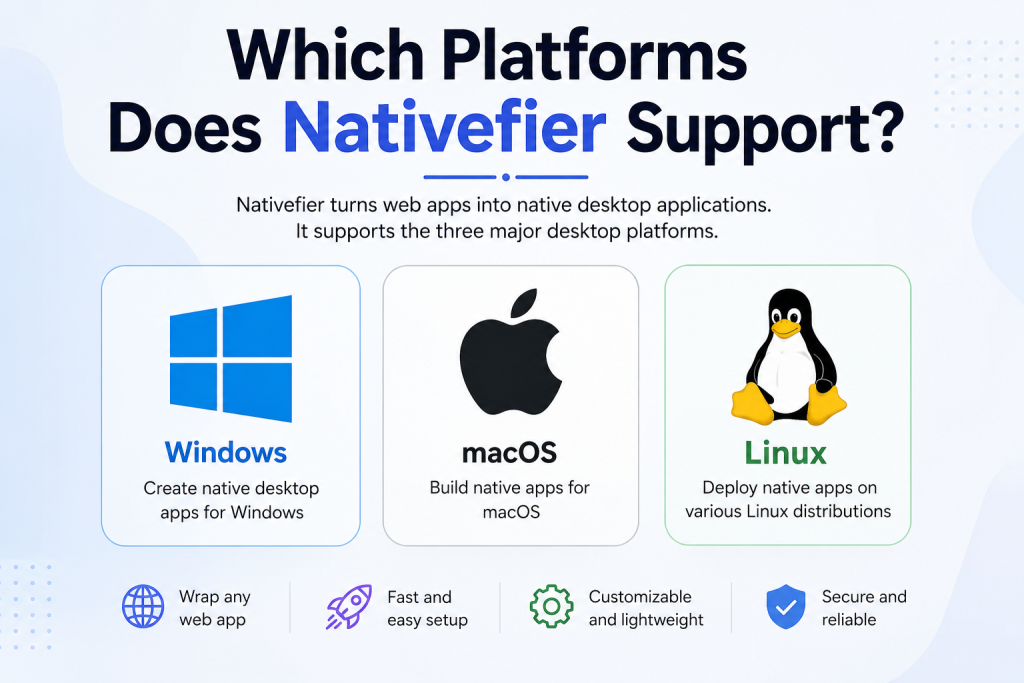
Fortunately, Nativefier supports all major desktop operating systems, making it a flexible solution for developers and everyday users alike.
Nativefier Support for Windows
Windows is one of the most widely used operating systems globally, and Nativefier fully supports it.
Users can install Nativefier on Windows systems using Node.js and npm. Once installed, they can generate standalone desktop applications for Windows-based environments.
Key Benefits for Windows Users
Windows users can enjoy several advantages when using Nativefier:
- Easy installation through npm.
- Compatibility with modern Windows versions.
- Creation of portable desktop applications.
- Support for custom icons and application settings.
- Ability to package web apps into executable files.
Many organizations use Nativefier to create dedicated desktop versions of internal web tools, helping employees access critical applications without opening browsers repeatedly.
Nativefier Support for macOS
Nativefier also provides excellent support for macOS. Apple users can convert websites into native-looking desktop applications that integrate smoothly with the macOS environment.
Whether you’re using a MacBook, iMac, or Mac Studio, Nativefier can help create standalone applications for productivity, communication, and workflow management.
Advantages for macOS Users
macOS users benefit from:
- Native desktop application experience.
- Dock integration.
- Custom application icons.
- Dedicated application windows.
- Simplified access to frequently used web services.
This makes Nativefier particularly useful for users who rely heavily on cloud-based tools but prefer a desktop-oriented workflow.
Nativefier Support for Linux
Linux users are among the strongest supporters of open-source tools, making Nativefier a natural fit within the Linux ecosystem.
Nativefier works well across many Linux distributions, including:
- Ubuntu
- Debian
- Fedora
- Arch Linux
- Linux Mint
- OpenSUSE
Because Linux users often customize their environments extensively, Nativefier provides a convenient way to transform web applications into desktop programs that integrate with their preferred desktop environments.
Why Linux Users Like Nativefier
There are several reasons Linux users appreciate Nativefier:
- Open-source compatibility.
- Lightweight deployment options.
- Support for multiple distributions.
- Easy integration into development workflows.
- Ability to package cloud services as desktop applications.
This flexibility makes Nativefier a valuable tool for both personal and professional Linux users.
Cross-Platform Application Generation
One of Nativefier’s most attractive features is its cross-platform capabilities.
In many cases, developers can create application packages for different operating systems without manually rebuilding entire applications from scratch.
Supported target platforms generally include:
- Windows
- macOS
- Linux
This broad compatibility allows teams to distribute applications to users across different operating systems while maintaining a consistent user experience.
However, developers should always verify current Electron and Nativefier documentation because cross-compilation capabilities can vary depending on system configuration and package requirements.
Does Nativefier Support Mobile Platforms?
A common misconception is that Nativefier can create mobile applications.
Nativefier is specifically designed for desktop environments and does not provide native support for:
- Android
- iOS
- iPadOS
Its architecture is based on Electron, which focuses primarily on desktop application development.
If your goal is to convert a web application into a mobile app, alternative frameworks such as React Native, Flutter, Capacitor, or Ionic may be more suitable.
Browser Compatibility and Web App Support
Since Nativefier converts websites into desktop applications, platform support also depends on the web application being wrapped.
Most modern websites work well because Nativefier uses Chromium through Electron.
This means users can generally convert:
- Productivity platforms
- Project management tools
- Messaging applications
- Online dashboards
- Learning platforms
- Business portals
- Social media web interfaces
As long as a website functions correctly in Chromium-based browsers, there is a strong chance it will work effectively within a Nativefier-generated application.
Requirements for Using Nativefier
Before creating desktop applications, users should ensure they have the necessary requirements installed.
These typically include:
Node.js
Nativefier is distributed through npm, making Node.js an essential requirement.
npm Package Manager
npm allows users to install Nativefier and manage updates efficiently.
Internet Connection
An internet connection is required for downloading packages and accessing the web applications being converted.
Sufficient Storage
Electron-based applications can be larger than traditional software because they include Chromium components.
Ensuring adequate storage space helps avoid installation and packaging issues.
Benefits of Nativefier Across Supported Platforms
Regardless of whether you use Windows, macOS, or Linux, Nativefier offers several advantages:
Improved Productivity
Dedicated desktop apps reduce browser tab clutter and help users stay focused.
Faster Access
Applications can be launched directly from the desktop, taskbar, dock, or application menu.
Better Organization
Users can separate work tools from personal browsing activities.
Custom Branding
Businesses can create branded desktop versions of internal web applications.
Enhanced User Experience
Native desktop windows often provide a more professional and streamlined experience than keeping services open in browser tabs.
Conclusion
Nativefier supports the three major desktop operating systems: Windows, macOS, and Linux. This broad compatibility makes it an excellent solution for users and developers who want to transform web applications into standalone desktop programs.
Whether you’re using Windows for business tasks, macOS for creative workflows, or Linux for development projects, Nativefier offers a simple and effective way to bring web applications to the desktop. While it does not support mobile platforms like Android or iOS, its strong desktop compatibility and ease of use continue to make it one of the most popular tools for web-to-desktop application conversion.
For anyone seeking a quick and efficient method to create desktop applications from existing websites, Nativefier remains a powerful cross-platform solution.